
Virtual Event Management: How to Plan and Run One
What virtual event management actually involves: choosing a platform, filling seats, designing a program that holds attention through a screen, and running the day when the room cannot help you.
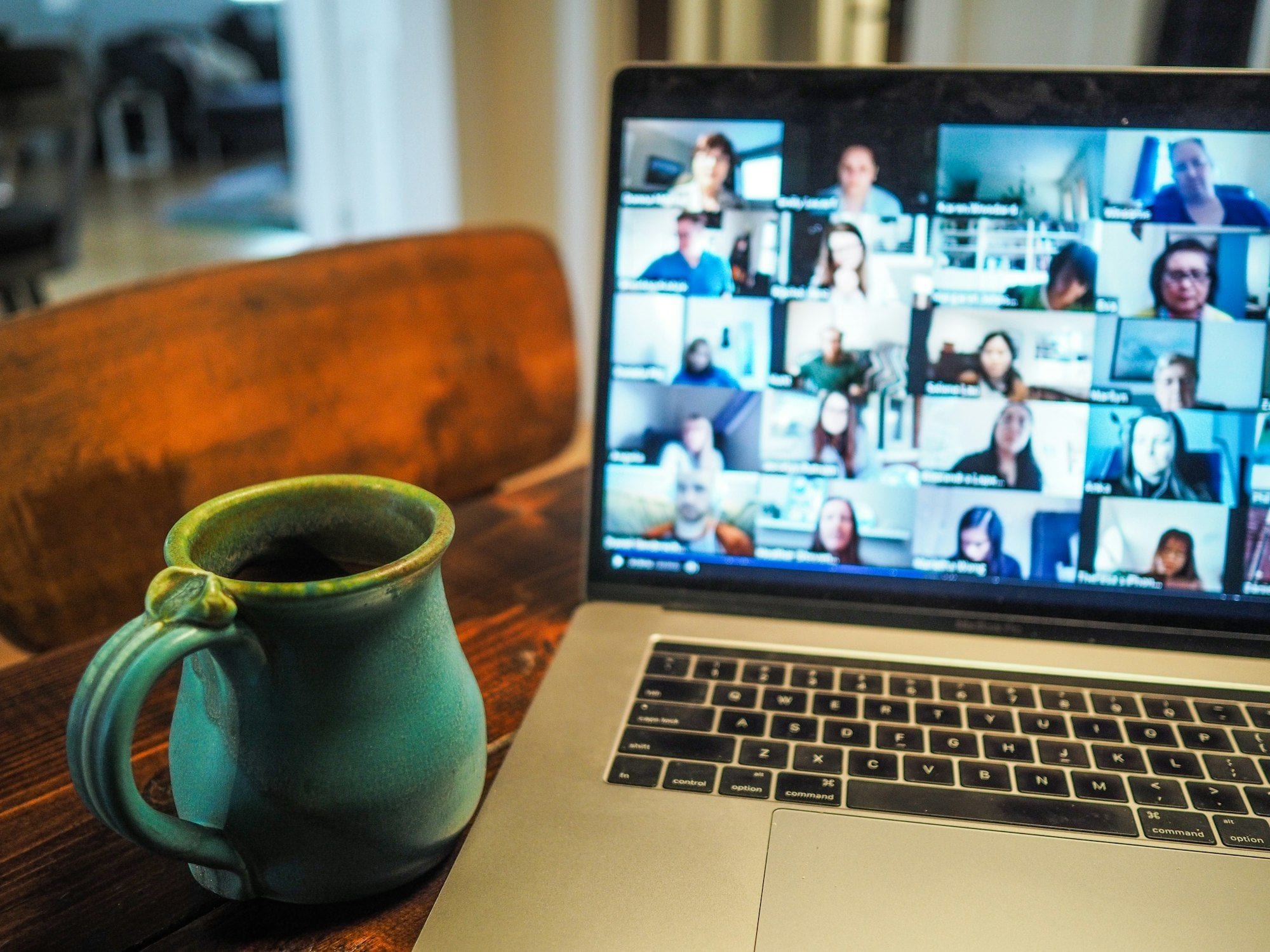

Virtual event management is the work of planning and running an event that takes place entirely online: choosing the platform, filling the seats, building a program that holds attention through a screen, and operating the whole thing live on the day. It draws on most of the same craft as an in-person event, and it fails in completely different places.
The difference that matters is simple. A conference room holds people in place. A browser tab does not, and your attendee is one click away from their inbox at every moment of your program. Almost every decision below follows from that one fact.
Start with the platform, because it constrains everything else
Platforms fall into three tiers, and choosing the wrong tier is the most expensive mistake available to you at the start of a project.
- A meeting tool, such as Zoom, Google Meet or Microsoft Teams. Everyone can be seen and heard. Right for workshops, training and roundtables under roughly fifty people, where the interaction is the point.
- A webinar tool. Speakers broadcast, attendees watch and ask questions through a panel. Right for a single track running to a few hundred or a few thousand people.
- A full event platform, such as Swapcard, Airmeet or Brella. Simultaneous sessions, a lobby, exhibitor booths, attendee matchmaking and a persistent agenda. Right when you genuinely have several tracks and sponsors expecting a presence.
Choose the smallest tier that carries your program. Event platforms cost considerably more, and they also cost your attendees a learning curve. An audience fumbling with an unfamiliar interface is an audience not listening to your opening keynote.
Whatever you choose, rehearse inside the real platform with the real speakers, not on a separate call about the platform. Every speaker should have logged in, shared their screen and heard themselves played back at least once before the day.
Registration is your only guest list
In a venue you can read the room. Online, the registration page is very nearly the whole picture you will have of who is coming, so it has to do more work than its in-person equivalent.
It should state plainly what the attendee will get, who is speaking, the date and start time in a named time zone, how long it runs, and which platform it runs on. Offer a calendar file at the moment someone registers. A start time published without a time zone is one of the most common reasons a person misses a session they were genuinely looking forward to.
Expect a gap between the number registered and the number who attend, and expect that gap to be wide when the event is free. Plan your capacity, and anything you have promised a sponsor, against realistic attendance rather than against sign-ups.
Send the join link three times: on registration, the day before, and about an hour before you begin. Put it in the body of the email rather than behind a login.
Design the program for attention, not for the schedule you would run in a room
- Shorter sessions. Twenty to thirty minutes holds far better on a screen than the sixty-minute slot you would give the same speaker in person.
- Real breaks, roughly every ninety minutes, printed in the agenda. Attendees will take them either way. Scheduling them is how you get people back.
- Something to do in the first minute. A poll on entry puts a hand on the mouse and a person in the room.
- A named moderator for Q&A who is not the speaker. Nobody can present and read a question queue at the same time, and the queue is usually where your best content is.
- A host in the chat throughout. An unattended chat either goes silent or goes somewhere you did not intend.
Networking deserves a specific warning. Opening a networking room and hoping does not work. Give it a start time, a host, a stated topic and a reason to be there, or leave it out and stop promising it.
Running the day
Two people, minimum. One person cannot present, watch the chat, admit latecomers, cue the next speaker and troubleshoot a dead microphone at the same time. Split the work into a presenting role and an operating role even on a small event.
Write a run of show: every segment, its start time, who is on camera, who cues them, and what is on screen. Share it with everyone, speakers included.
Keep a backchannel for your team on a different system from the one running the event. When the event platform is the thing that has failed, you cannot coordinate the fix inside it.
Have a filler segment ready and know who delivers it. Something will go wrong: a speaker will not appear, a deck will not share, audio will die on the one person who cannot be replaced. Three minutes of prepared material buys the time to fix it.
Record everything, and tell attendees at the start that you are recording.
Measuring whether it worked
Attendance is the vanity number. The figures that tell you something:
- Registered against attended, which tells you whether your promotion promised the right thing to the right people.
- Where people left. A cliff at the same minute across several sessions is a program problem, not an audience problem.
- Poll and Q&A participation, the closest thing you have to reading a room.
- A short post-event survey. Three questions answered beats twelve ignored.
- Whatever the client or the sponsor actually wanted, which is frequently qualified conversations and almost never headcount.
Hybrid is not two events running at once
A camera pointed at a stage is a recording, not a hybrid event. Remote attendees in a hybrid format need someone whose only responsibility is them: their chat, their questions carried into the room, their view cut properly between speaker and slides.
If you cannot staff that role, run the two audiences as two separate programs, or pick one. Hybrid done badly gives the remote audience a worse experience than a well-run virtual event would have.
It is the same discipline
None of this is a separate profession. It is program design, supplier selection, run of show and measurement, applied in a setting where the room cannot help you. Planners who can do both are the ones being hired to.
Our Certificate in Corporate Event Management covers program design, budgets, supplier selection and running an event live. The Master’s Certificate in Event Management goes further into managing events at scale, and awards the GCPE® credential.